Dominos - Classic Board Games1.0.10
Publisher Description
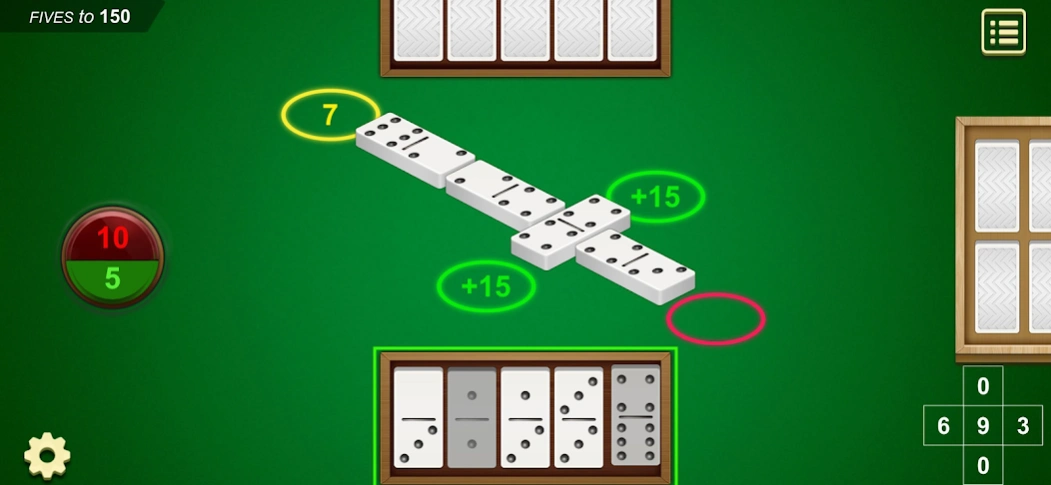

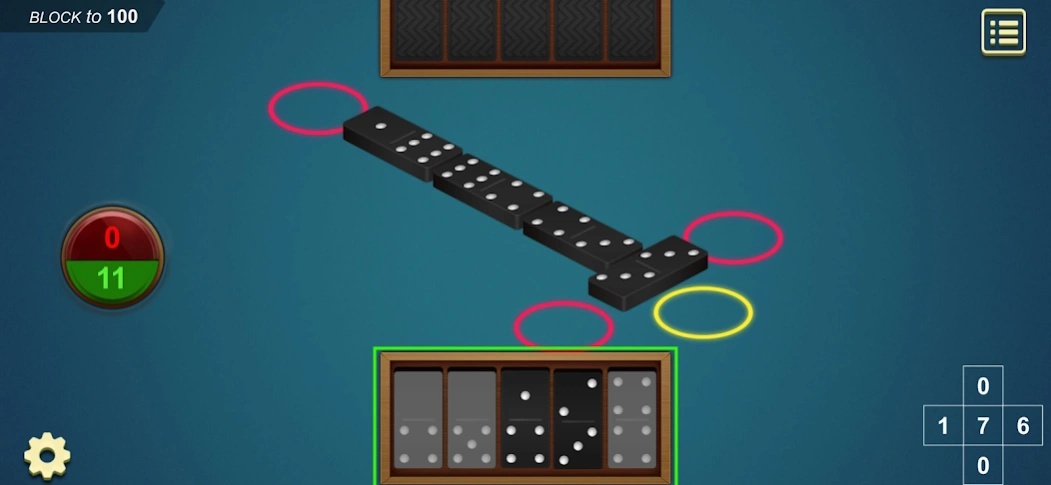
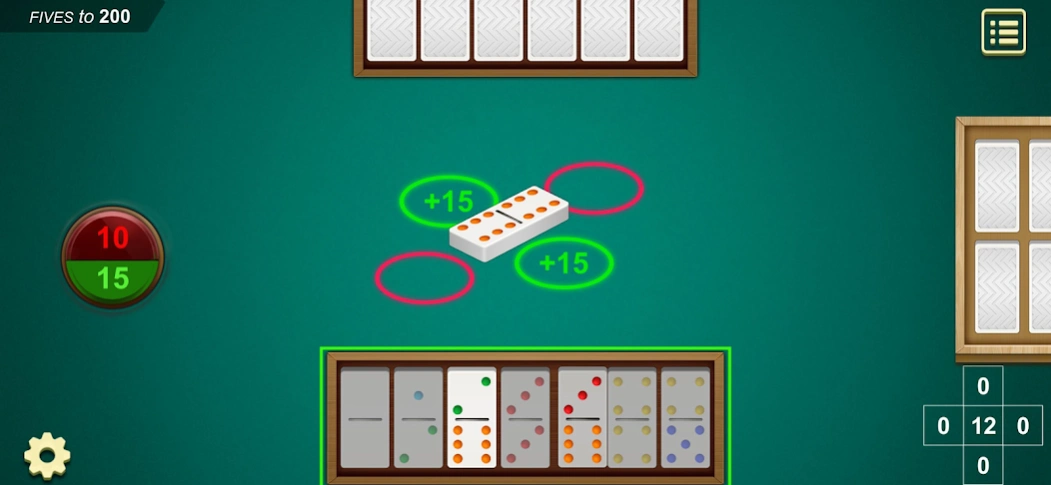
Dominos is the classic dominoes game you know and love!
Dominoes is one of most widely played board games, now it's FREE to download on your phone! Play the Classic Dominoes online board game against computer players.
In our Classic Dominos, there are three Dominoes games you can choose from, Draw, Block, All-Fives (Muggins). Each mode has different rules, so try them all to find your favorite!
Draw Dominoes: the most commonly played Dominoes game, draw domino tiles when you can't move until you find a matching tile.
All-Fives: count the dots on the open ends of the board after your move. If they add up to a multiple of five, you score that many points.
Block Dominoes: match tiles with the same number of dots, pass your turn when you can't move.
Dominoes Game Features:
- Easy to play, full of fun!
- Awesome graphics and animations
- 3 levels of difficulty
- Win points setup
- Starting hand setup
- Custom backgrounds
- Custom domino tiles
- Set up tables and play with your friends!
- Game state saved when interrupted
- Statistics
- OFFLINE! Play Dominoes anytime and anywhere!
Gather your tiles and doubles and win enough points to ensure your victory. Download now for endless classic dominoes fun!
About Dominos - Classic Board Games
The company that develops Dominos - Classic Board Games is Card Games, HHS Daily. The latest version released by its developer is 1.0.10.
To install Dominos - Classic Board Games on your Android device, just click the green Continue To App button above to start the installation process. The app is listed on our website since 2025-12-02 and was downloaded 26 times. We have already checked if the download link is safe, however for your own protection we recommend that you scan the downloaded app with your antivirus. Your antivirus may detect the Dominos - Classic Board Games as malware as malware if the download link to com.board.games.domino is broken.
How to install Dominos - Classic Board Games on your Android device:
- Click on the Continue To App button on our website. This will redirect you to Google Play.
- Once the Dominos - Classic Board Games is shown in the Google Play listing of your Android device, you can start its download and installation. Tap on the Install button located below the search bar and to the right of the app icon.
- A pop-up window with the permissions required by Dominos - Classic Board Games will be shown. Click on Accept to continue the process.
- Dominos - Classic Board Games will be downloaded onto your device, displaying a progress. Once the download completes, the installation will start and you'll get a notification after the installation is finished.
Program Details
System requirements
Download information
Pricing
Version History
version 1.0.10
posted on 2025-12-02
- Bug fixes and performance improvements.
It's time for a break. Time for Dominoes!
version 1.0.3
posted on 2020-07-15
Dominos is one of most widely played board games, now it's FREE to download on your phone!!
